 Mailroom
Help · Mail
Writing and replying
New messages, reply and forward, Cc and Bcc, attachments and drafts.
New message: ⌘N, or c with Gmail’s shortcuts. Reply is ⌘R or r, Reply All ⇧⌘R or a, and Forward ⇧⌘F or f. You can write a reply right under the conversation.
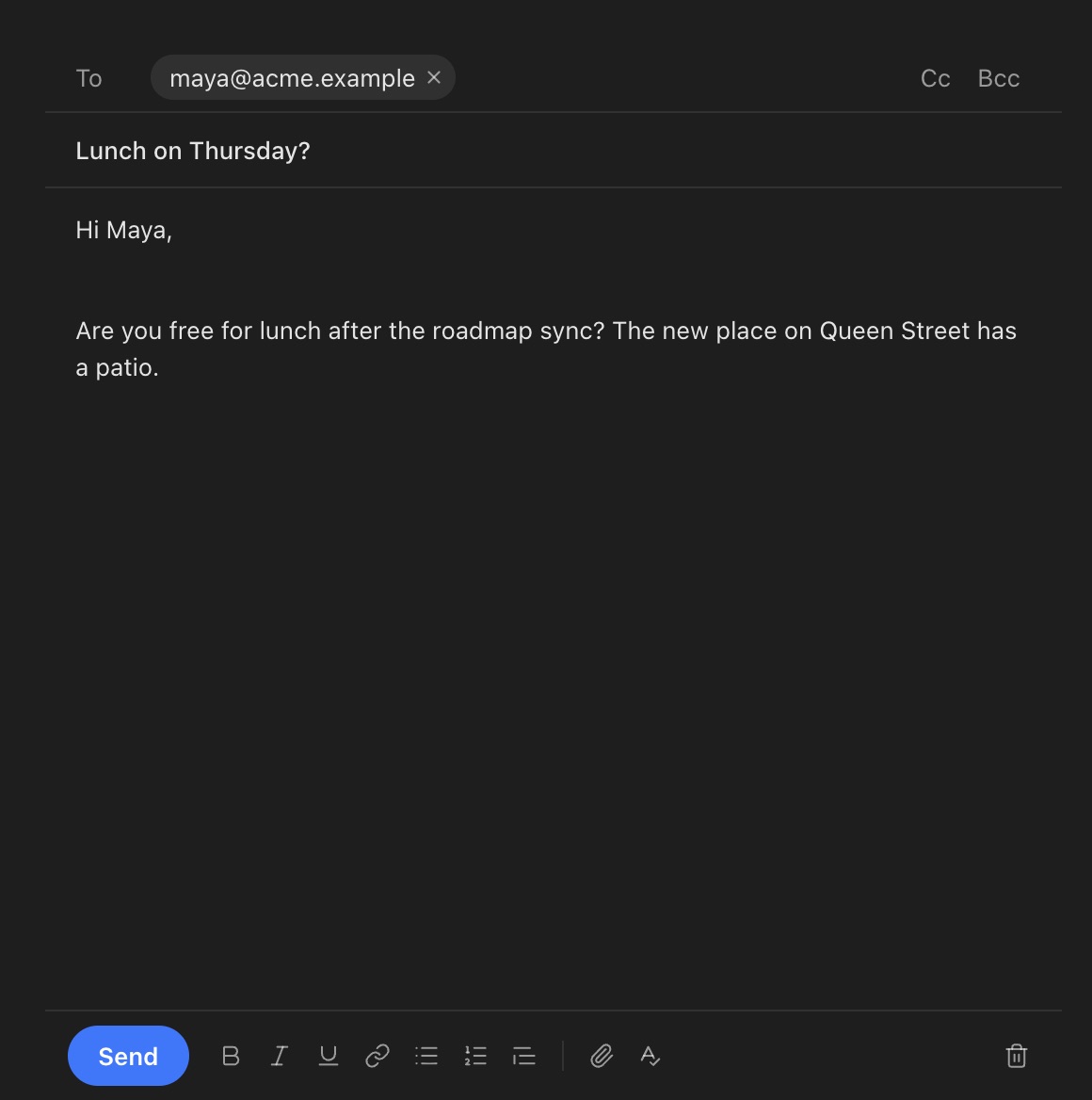
Cc and Bcc: click Cc or Bcc next to the To field. People you Bcc aren’t shown to anyone else.
Attachments: drag files into the message, or click the paperclip. Paste or drop an image to put it in the text. A message can carry up to 25 MB of attachments, about what most providers accept.
Drafts are saved on your Mac as you type, and to your mail server’s Drafts folder a few seconds later, so they’re on your phone too.
Send with ⌘↩. Unless you’ve turned it off, Mailroom waits a few seconds first so you can undo it. Offline, the message waits and goes out once you’re back online. If your mail server refuses it, Mailroom says why and gives you the draft back.
From: with more than one account, or other addresses, choose who it’s from at the top. A reply comes from the address the message was sent to.
Still stuck? or email asavytski@gmail.com. A person reads every message.