 Mailroom
Help · Mail
Templates
Updated
Save a message you send often, and put it in a new one with a click.
Templates are messages you write once and use again: an answer to a common question, a weekly update, an introduction.
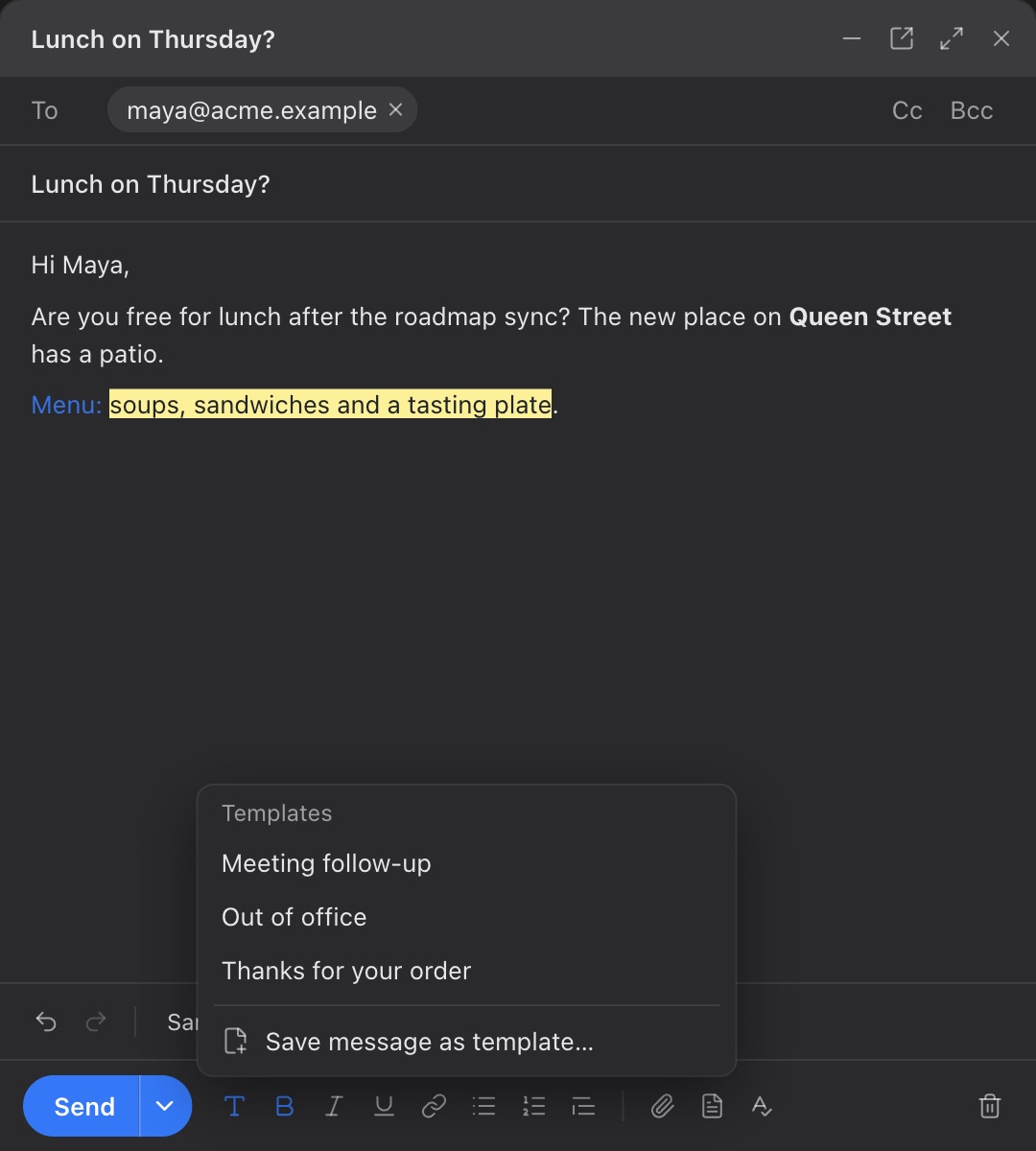
Save one: write the message (and its subject, if you like), click the Templates button next to the paperclip, and choose Save message as template…. Give it a name. A template with the same name is replaced, once you say so.
Use one: in a new message or a reply, click Templates and pick it. Its text goes where your cursor is, or fills the message if it’s empty, and its subject goes in too if the message has none. Change anything you like before sending.
Delete one: point at it in the Templates menu and click the ×.
Templates are kept on your Mac, and work from every account. Attachments aren’t part of a template. Your signature isn’t either: it’s added as usual.
Still stuck? or email support@getmailroom.dev. A person reads every message.