 Mailroom
Help · Calendar, contacts and tasks
Invitations and inviting people
Updated
Answer invitations in the message; invite guests to your events.
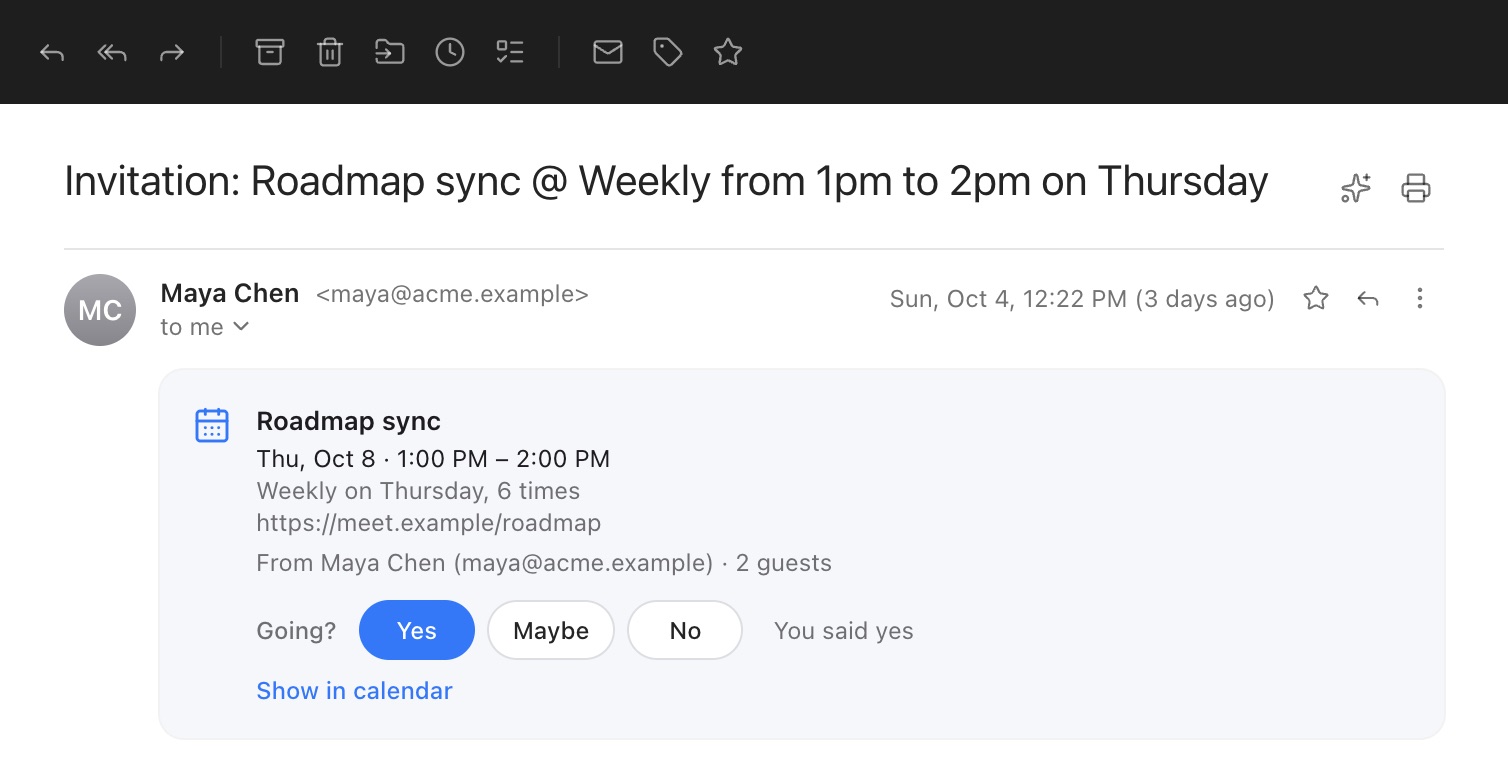
Invitations you get show Yes, Maybe and No in the message, with the organizer’s name and address: your answer goes to that address. If you’ve connected the account’s calendar, the event goes into it (or your answer is updated there). An event you answer No to isn’t added. You can also answer from the event in the calendar. A cancelled event can be taken out of your calendar from the cancellation.
Only an event’s organizer can change or cancel it in your calendar. An update or cancellation sent by anyone else (the invitation says who sent it) leaves the event as it is, and answering it changes only your answer.
Inviting people: add guests to an event of your own. They get an invitation that Gmail, Outlook and Apple Calendar understand, and their answers show on the event. An answer counts only when it comes from that guest and your mail server confirmed who sent it, so nobody else can answer for them. Changes and cancellations go out to them too. With Google Calendar and Outlook, Google and Microsoft send these themselves.
Still stuck? or email support@getmailroom.dev. A person reads every message.