 Mailroom
Help · Mail
Empty Junk and Trash
Updated
Delete everything in Junk or Trash for good.
Open Junk or Trash: the top says how many messages are there, with Empty Junk or Empty Trash. Or right-click the folder and choose the same. If your provider names the folder differently, so does the button, such as Empty Spam.
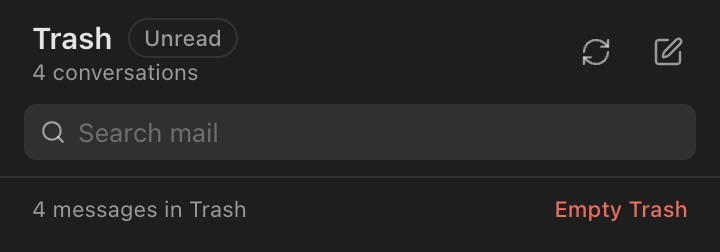
Mailroom asks first, then deletes everything in the folder for good, including older mail it hasn’t downloaded yet. This can’t be undone.
Deleting a message that’s already in Trash also asks first, then deletes it for good.
Still stuck? or email support@getmailroom.dev. A person reads every message.